This guide explains how to access your cPanel account using the login URL, username, and password provided with your hosting service.
Steps
Step 1: Open the cPanel Login URL
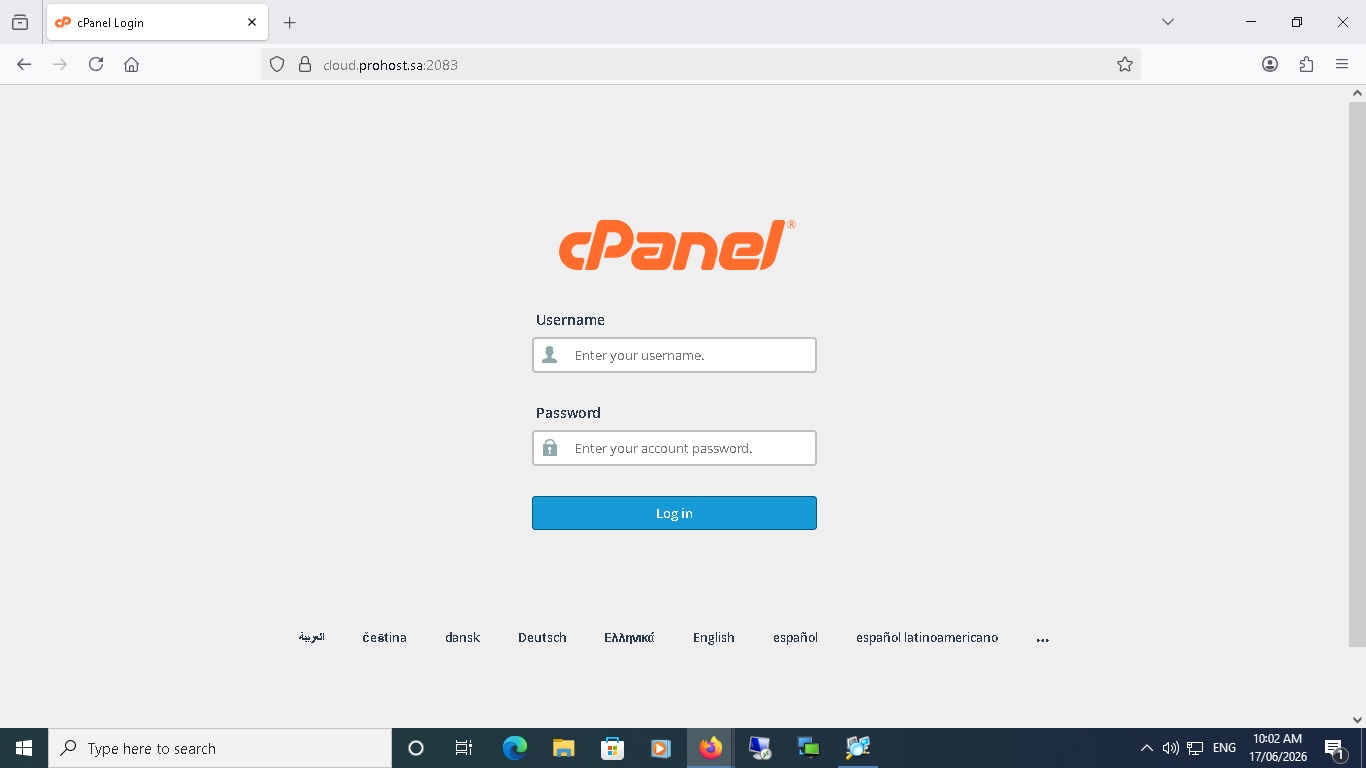
Open your web browser and navigate to the cPanel login URL provided in your hosting account details.
Step 2: Enter Your Username and Password
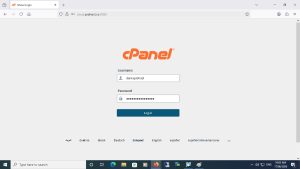
On the login page, enter your cPanel username and password in the appropriate fields.
Step 3: Click Login
Click the Log in button to access your cPanel account.
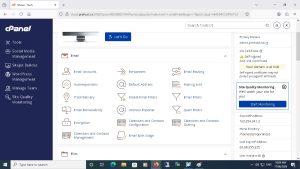
Once logged in, you will be redirected to the cPanel dashboard where you can manage your website, email accounts, databases, and hosting settings.
Result
You have successfully logged in to your cPanel account and can now manage your hosting services.
نظرة عامة
يوضح هذا الدليل كيفية تسجيل الدخول إلى حساب cPanel باستخدام رابط الدخول واسم المستخدم وكلمة المرور المرسلة مع خدمة الاستضافة الخاصة بك.
الخطوات
الخطوة 1: فتح رابط تسجيل الدخول إلى cPanel
افتح متصفح الإنترنت وانتقل إلى رابط تسجيل الدخول إلى cPanel المرفق مع بيانات الاستضافة الخاصة بك.
الخطوة 2: إدخال اسم المستخدم وكلمة المرور
في صفحة تسجيل الدخول، قم بإدخال اسم المستخدم وكلمة المرور الخاصة بحساب cPanel في الحقول المخصصة لذلك.
الخطوة 3: الضغط على زر تسجيل الدخول
اضغط على زر Log in لتسجيل الدخول إلى حساب cPanel.
بعد تسجيل الدخول بنجاح، سيتم توجيهك إلى لوحة التحكم الرئيسية حيث يمكنك إدارة الموقع الإلكتروني والبريد الإلكتروني وقواعد البيانات وإعدادات الاستضافة.
النتيجة
تم تسجيل الدخول إلى حساب cPanel بنجاح، ويمكنك الآن إدارة خدمات الاستضافة الخاصة بك.